


Patient check-in without an app
Patients can open the clinician's link, enter the virtual waiting room and test their camera or microphone before a video appointment.
Telemedicine software development
NxtHatch delivered software development work for Doxy.me, a browser-based telemedicine platform that helps patients connect with clinicians for remote appointments without installing an app.
01 / Platform overview
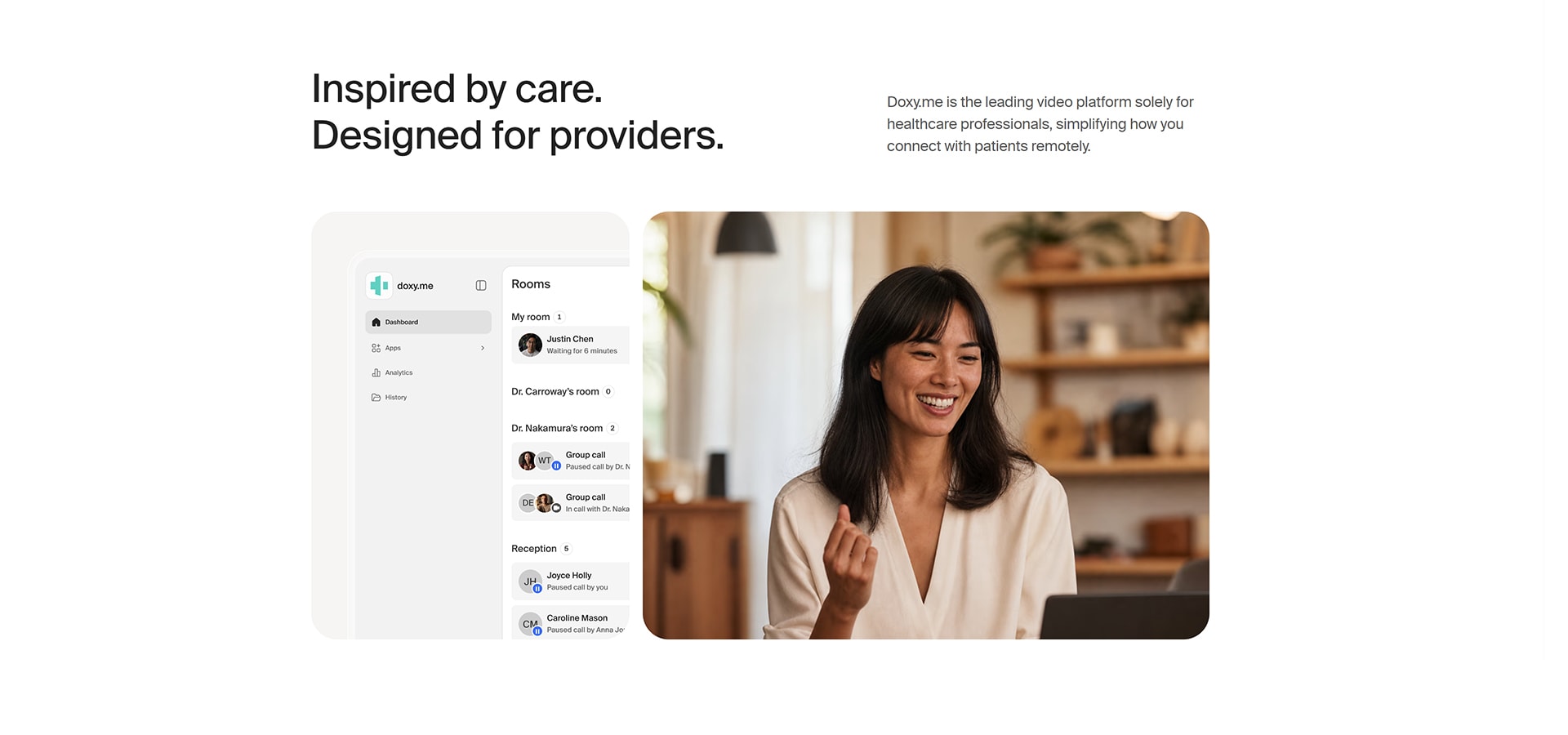
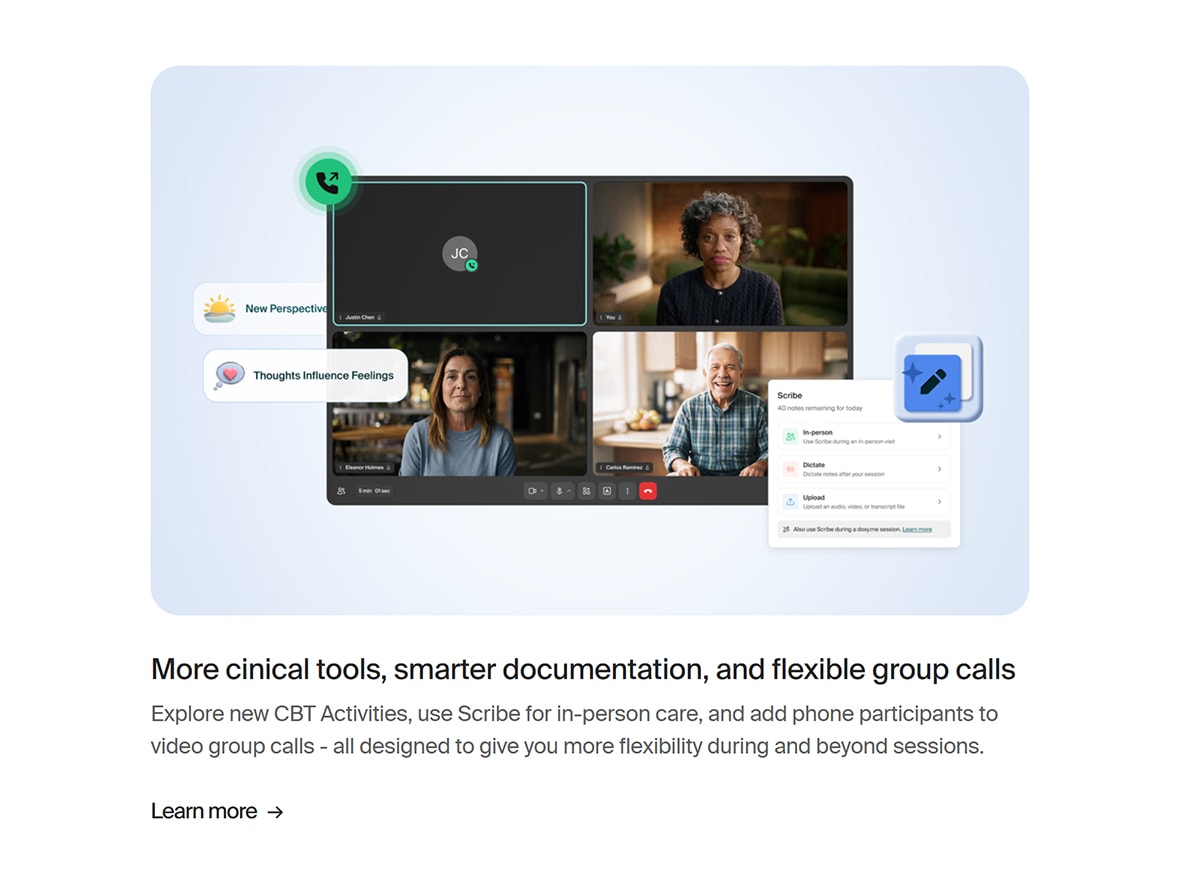
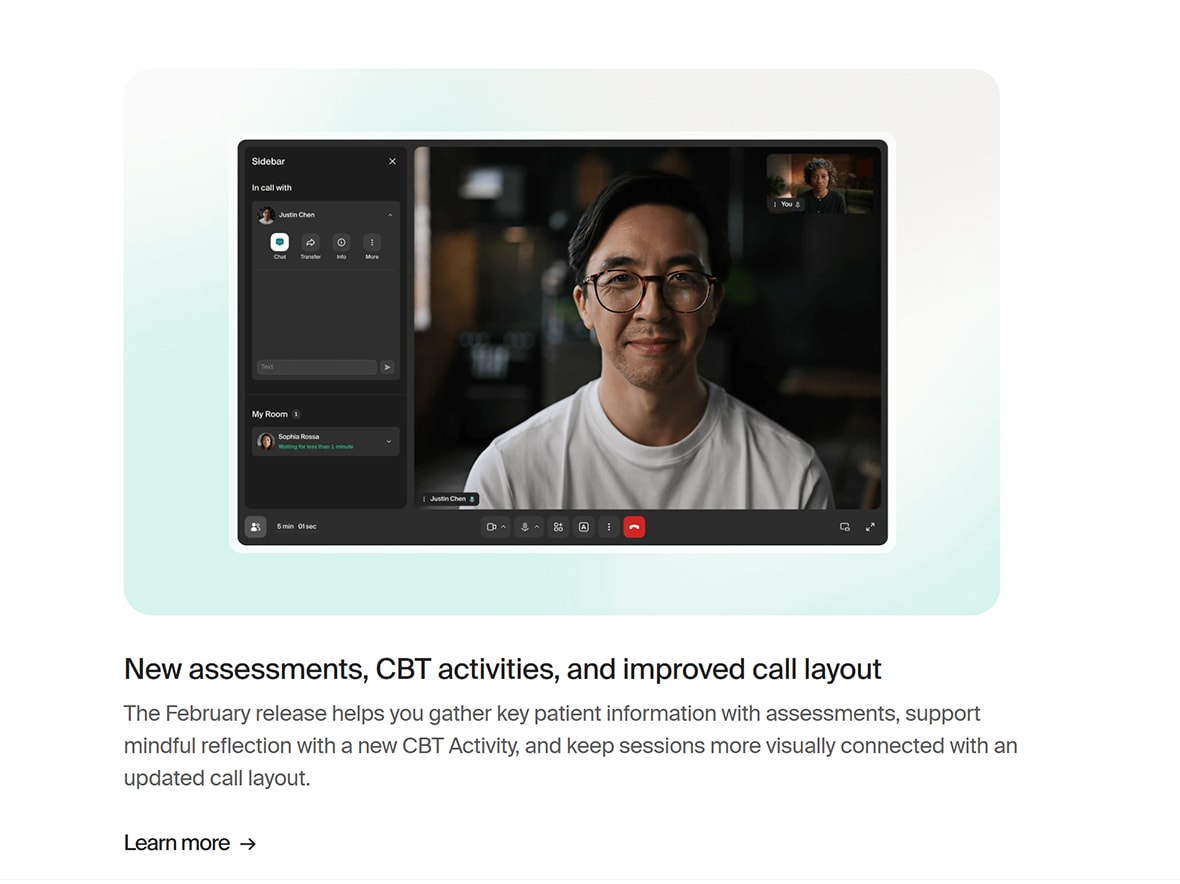
Doxy.me is built around the everyday steps of a medical appointment, from receiving a provider's visit link to entering a virtual waiting room and joining a video consultation. Patients check in through a compatible web browser; providers can see who is waiting, communicate with patients and start the consultation when they are ready. Clinic-level tools can also help staff coordinate waiting rooms and transfer patients between care team members. The emphasis is on making online care straightforward for patients while giving clinicians control over the visit.
02 / Platform capabilities
Patients can open the clinician's link, enter the virtual waiting room and test their camera or microphone before a video appointment.
A browser-based waiting room keeps patients informed while a provider prepares for the visit, with optional messages and room customization.
Providers see checked-in patients, manage the appointment queue and choose when to start a one-to-one video consultation.
Clinic plans can support shared rooms and patient transfers when staff or multiple clinicians need to coordinate virtual care.
03 / Experience flow
A patient uses the clinician's unique URL to check in through the browser, without a separate patient account or software download.
The virtual waiting room shows that check-in is complete while the provider monitors the patient queue and prepares the session.
The clinician initiates the visit, with browser camera and microphone controls supporting the patient-provider conversation.
04 / Engineering perspective
A useful telemedicine experience has to manage more than video streaming. Browser permissions, device compatibility, fluctuating connections, waiting-room state, clinician availability and role-specific access all affect whether an appointment runs smoothly. Clear patient status, predictable transitions between check-in and consultation, and privacy-aware interface decisions are central considerations for virtual care platform development.
Platform features referenced from Doxy.me product documentation. Descriptions refer to the public product experience; outcomes and module-level delivery claims are not inferred.